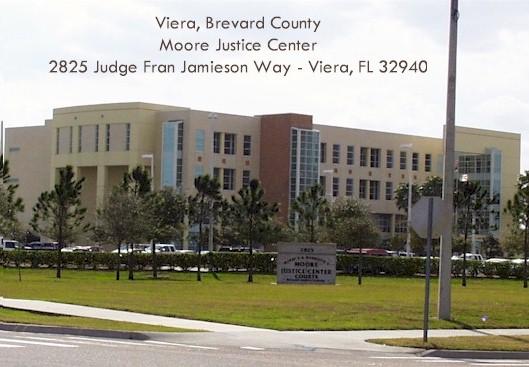
All courtrooms have equipment. No reservations required.
-
- All Courtrooms have Large Screen TVs for video/audio presentation, visual presenters (Elmo), and projectors.
- Playback devices (i.e., laptops) can connect to the TV or Projector via an HDMI cable that attorneys are responsible for providing themselves.
- These TVs DO NOT accommodate any Smartware such as iPads, iPhones, or other Apple devices, and we do not support Apple/Mac devices. Attorneys are responsible for bringing the necessary cables to accommodate whatever hardware devices they will use.
- For standard laptops and other devices, we suggest you bring a minimum of a 10′ HDMI cable so that parties can remain seated and control their laptop-to-TV interaction.
- All courtrooms have screens that drop down from the ceiling or use portable screens.
No reservations are required. When in court, tell the deputy you need to use the equipment during your hearing/trial, and they will assist you.
NOTE: If attorneys plan on having remote witnesses appear, they must be sure to contact the Judicial Assistant so that an MS TEAMS link can be set up.